

First Contentful Paint (FCP) is one of the most crucial website performance trackers. It helps measure how long it takes for a website to load its first visible element after the user starts loading the page. This element can be text, an image, or other visible content.
The first image or element a user sees on a website makes a strong first impression. If a website is slow to show content, potential customers may leave before seeing what the website offers.
Table of Contents
Understanding First Contentful Paint

First Contentful Paint (FCP) measures how long it takes for a webpage to load the first element a user sees after clicking a link or a button. In simpler terms, FCP marks the moment a visitor sees something appear on their screens.
Whether showcasing scenic videos, promoting products, or selling goods, FCP is vital for helping your website leave a strong and lasting impression on visitors.
Why Is FCP Important?
FCP may not be a Core Web Vital, but it remains a key factor in search engine rankings and helps web owners provide better user experience to visitors.
When a visitor checks your page, they expect to see content upon their first click. Content that takes too long to load may feel like your website is broken or untrustworthy, losing potential customers.
A good FCP is essential because:
- It builds trust.
- It improves SEO.
- It reduces bounce rates.
- It enhances user experience.
- It leaves a strong impression on visitors.
What Affects First Contentful Paint?
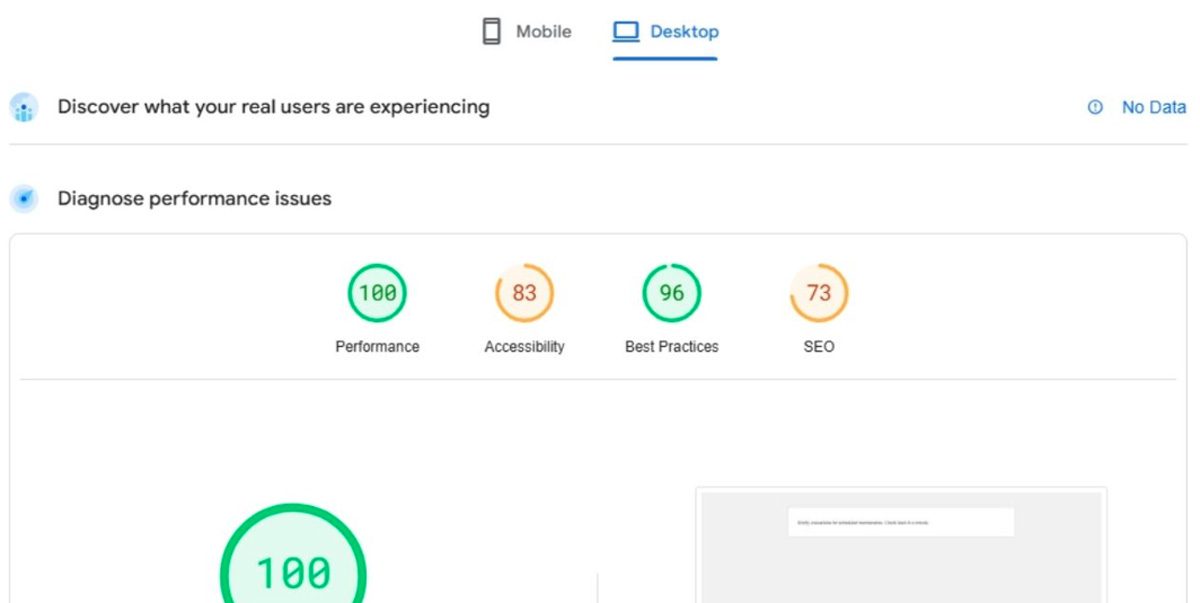
Several factors influence how quickly your website can load its first content, such as:
Unused CSS
Sometimes, web developers use external resources and link them to the main HTML of a website, which significantly increases load times. While it can be convenient, this causes unused CSS to delay the FCP of a page.
Page Size and Complexity
Complex content, such as large images and videos, heavy animations, or overloaded codes, can also cause buffering, further delaying the first appearance of content. It is advisable to compress large-sized images and streamline your codes.
Third-Party Scripts
External sites like social media widgets, ads, and tracking codes can also increase loading times. To improve FCP, minimize using third-party scripts on your website.
Server Response Time
Slow servers increase the time it takes for your website to load. That’s why using a reliable and strong hosting provider is essential in improving your website’s FCP.
Strategies to Improve First Contentful Paint
By improving your FCP, you are also streamlining your website’s loading process, which can lead to a better user experience. Here are some tips to make your website faster and more efficient:
Optimize Images and Videos
Indeed, visually rich websites can leave a lasting impression on visitors, but an appealing website with fast loading times is still better. You can achieve this using lazy load media, compressing images, and modern formats.
Choose Fast Hosting
Ensure you invest in a high-performance hosting provider to reduce server response times.
Streamline Your Code
Minify JavaScript, HTML, and CSS, and remove unnecessary characters to make files smaller.
Use Caching
Browser caching ensures that returning visitors can load your website much faster. Preloading can also help in improving FCP for first-time visitors.
Minimize Third-Party Scripts
Although they are significant at times, minimize ads and social media widgets, as they can slow down your page.
How to Measure FCP
There are many tools you can use to measure your website’s FCP. However, it is important to note that FCP is not all about the loading time of your web content; it is more about when the first element appears on the screen. First Contentful Paint (FCP) is typically measured in seconds.
Here are some tools that you can use to measure your website’s FCP:
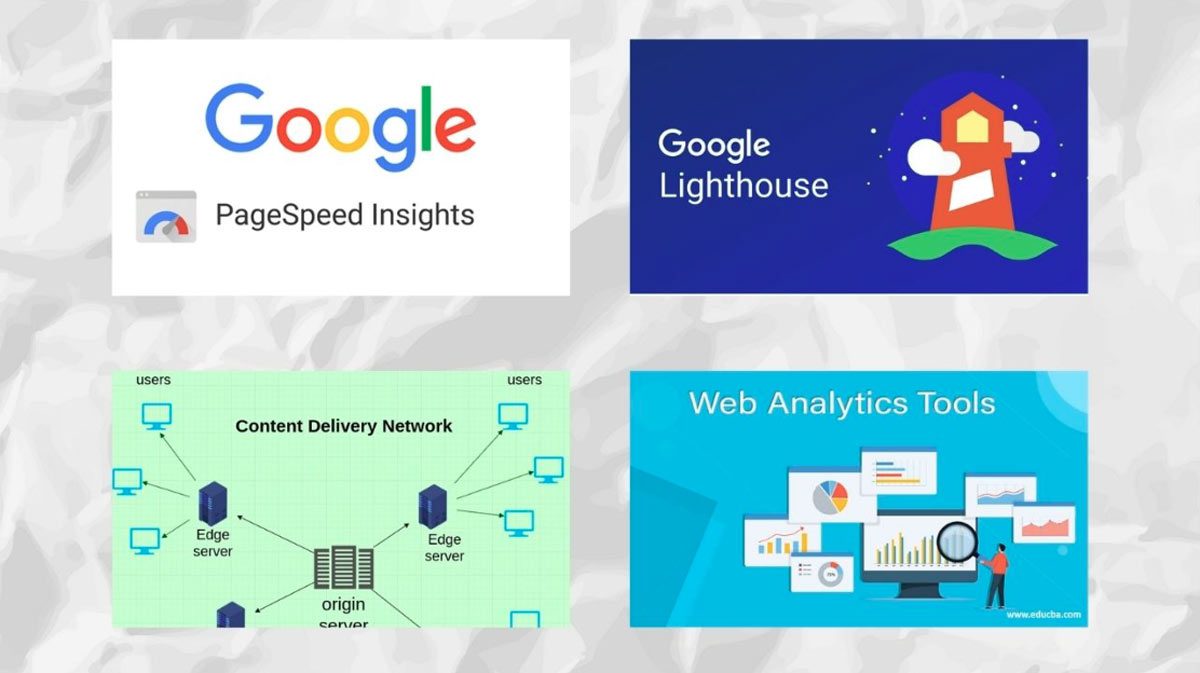
- Google PageSpeed Insights: This free tool helps analyze your website by providing detailed FCP data and suggestions for improvements.
- Google Lighthouse: Powered by Google, Lighthouse is also an open-source tool that helps measure the overall performance audit of your website’s FCP.
- Cloudflare: Content delivery networks like Cloudflare can offer performance analytics, like FCP measurements, to optimize your website.
- Google Analytics: Web analytics tools like Google Analytics track your website’s performance over time and identify growing trends.
First Contentful Paint and SEO
FCP is a part of the ranking criteria which directly impacts your website’s visibility. You must learn how to optimize FCP for your website to improve your ranking and keep users engaged and happy.
To boost your business, standing out among other websites is very important in today’s competitive digital market.
Imagine a potential visitor searching for the “best online marketing service,” and your fast-loading website appears on the first page. This creates a strong first impression and drives better revenue for your business.
Conclusion
Whether you’re running an online shop or selling your services, visuals heavily impact user engagement and site visits to your business. That’s why it’s very important to have better knowledge of FCP to ensure your content appears quickly on search engines.
By optimizing images, streamlining codes, and choosing fast hostings, you can easily improve your website’s FCP, enhance user experience, leave a good impression, and boost your SEO. Don’t let slow loading times hold back your business!
Remember, a fast website is more than just a technical achievement; it’s a sign that you care for your audience. Growing business owners like you may not have enough time, so contact Lead Nicely to boost your website’s loading speed.


